Firefox for Android · Live on addons.mozilla.org

Use your .aibiz names on your phone — Firefox for Android.

Install the AIBIZ Domain Resolver once and Firefox turns any typed .aibiz name — like dubai.aibiz or sales.acme.aibiz — into a live page, straight from the address bar. No app, no wallet, no copy-paste.

Why Firefox? It is the only major mobile browser that loads browser extensions. Chrome on Android cannot. So Firefox for Android is how .aibiz names work on a phone.

Mobile Chrome can't

Chrome for Android does not support extensions at all. There is no way to add the resolver there.

Firefox Android can

Firefox for Android loads add-ons from addons.mozilla.org. Install once and it survives restarts and auto-updates.

Names become pages

Type a .aibiz name in the address bar and the resolver routes it through the on-chain AIBIZ resolver to the live page.

Set it up in 7 steps

Real screenshots from a phone — follow along, top to bottom.

1

Open Firefox on your Android phone.

AIBIZ works in Firefox for Android — the only major mobile browser that loads extensions (Chrome on mobile can't). If you don't have it yet, install Firefox from the Play Store first.
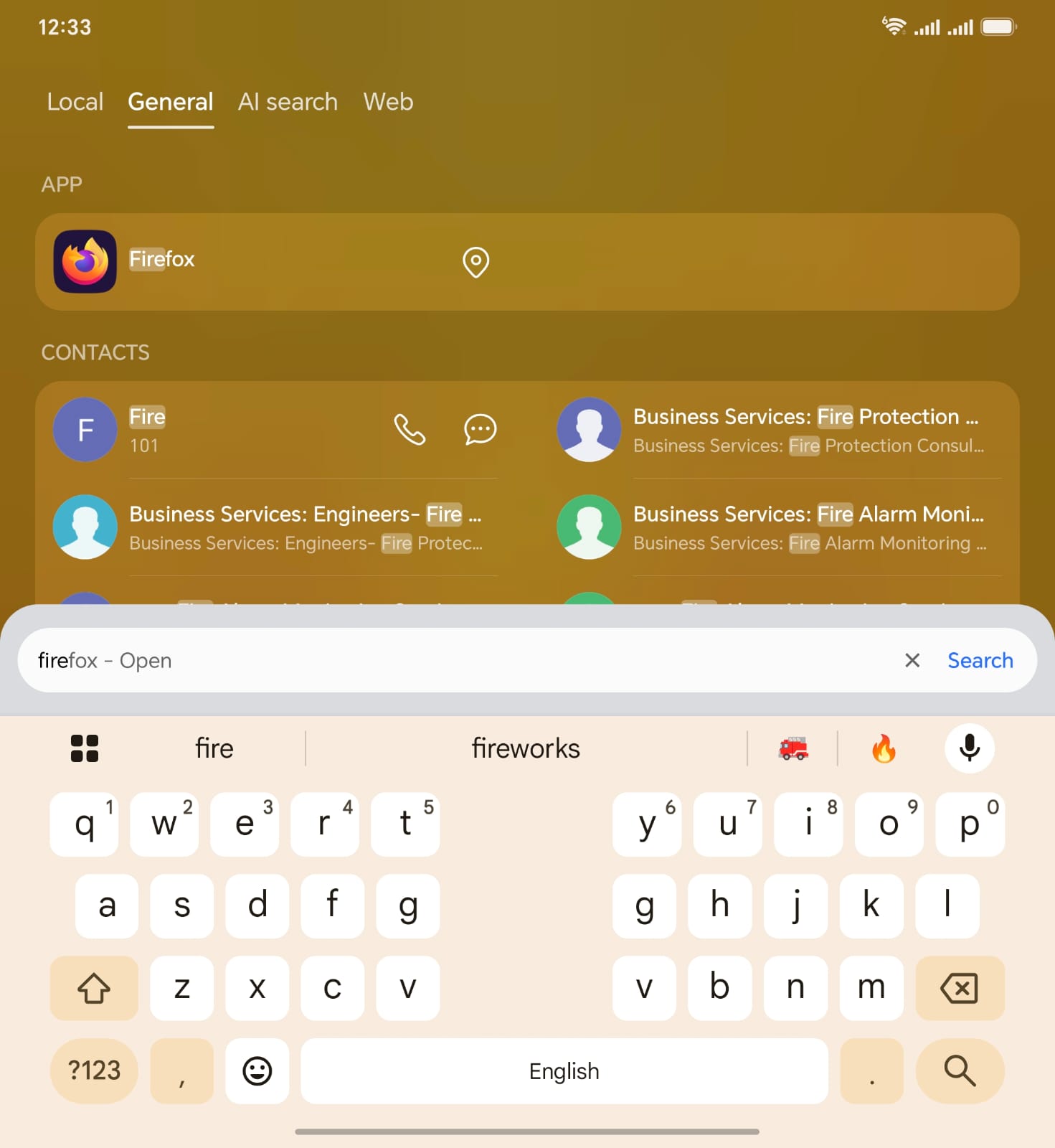
Phone launcher opening Firefox
2

You land on the Firefox home screen.

Tap the ⋮ menu in the top-right corner to open Firefox's main menu.
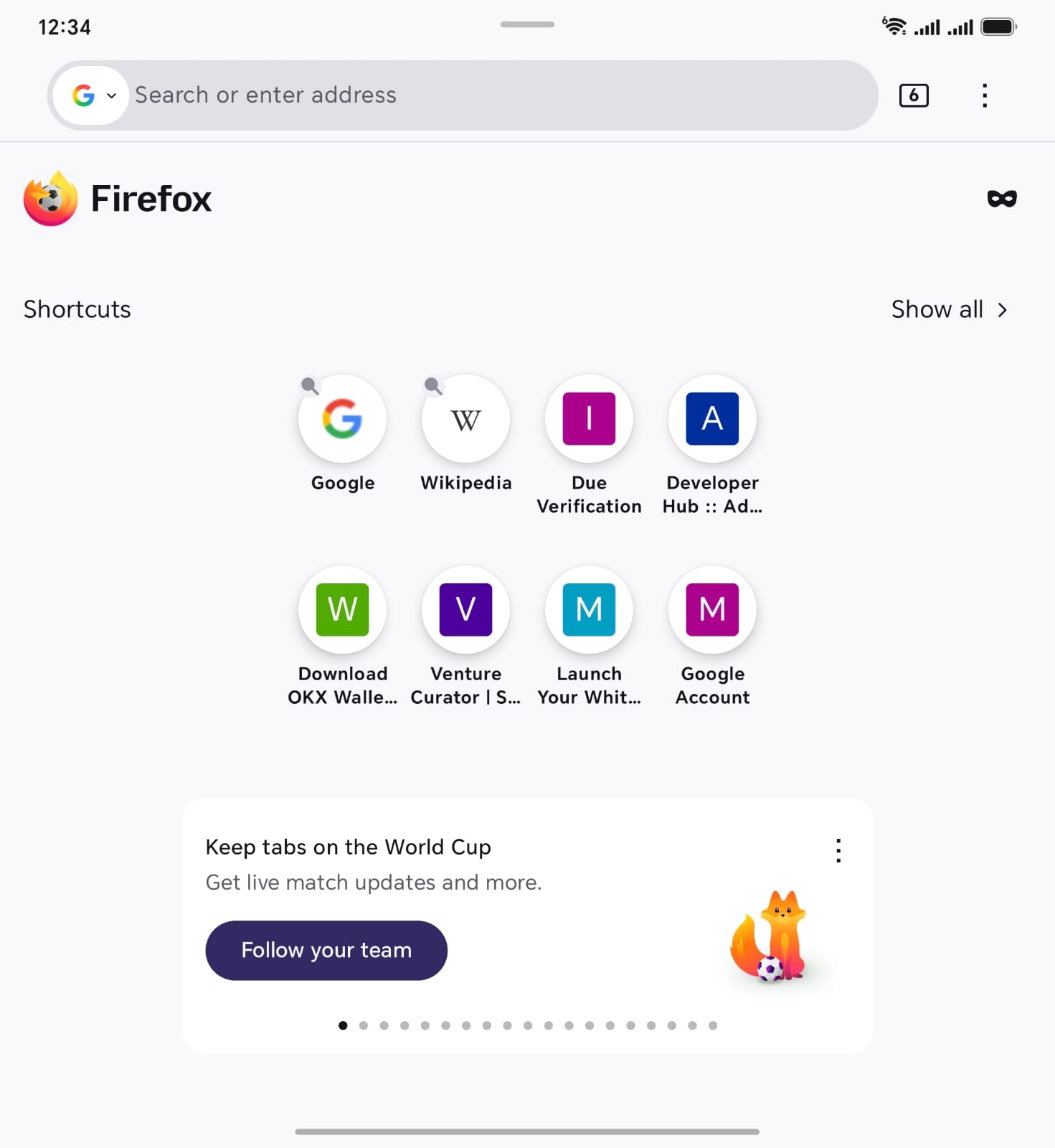
Firefox home screen with shortcuts
3

Tap “Extensions” in the menu.

In the menu sheet that slides up, find and tap Extensions. This is where you add and manage add-ons.
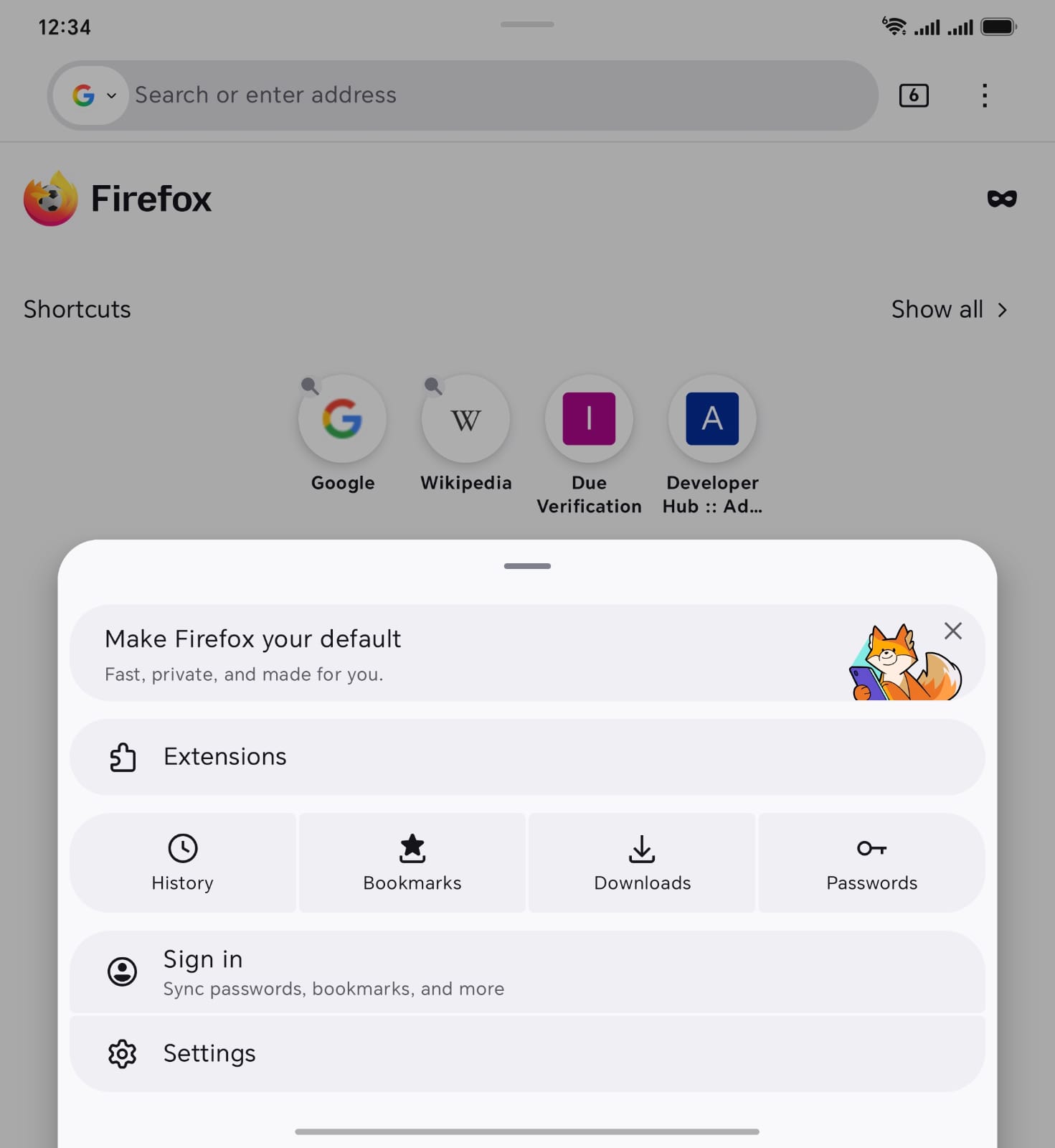
Firefox menu sheet showing Extensions
4

Add “AIBIZ Domain Resolver.”

Get it from addons.mozilla.org (search “AIBIZ Domain Resolver”) and tap + / Add. It resolves .aibiz names and sub-SLDs (e.g. sales.acme.aibiz) on Polygon — routing typed names and searches to the AIBIZ resolver. Once added it appears under Enabled.
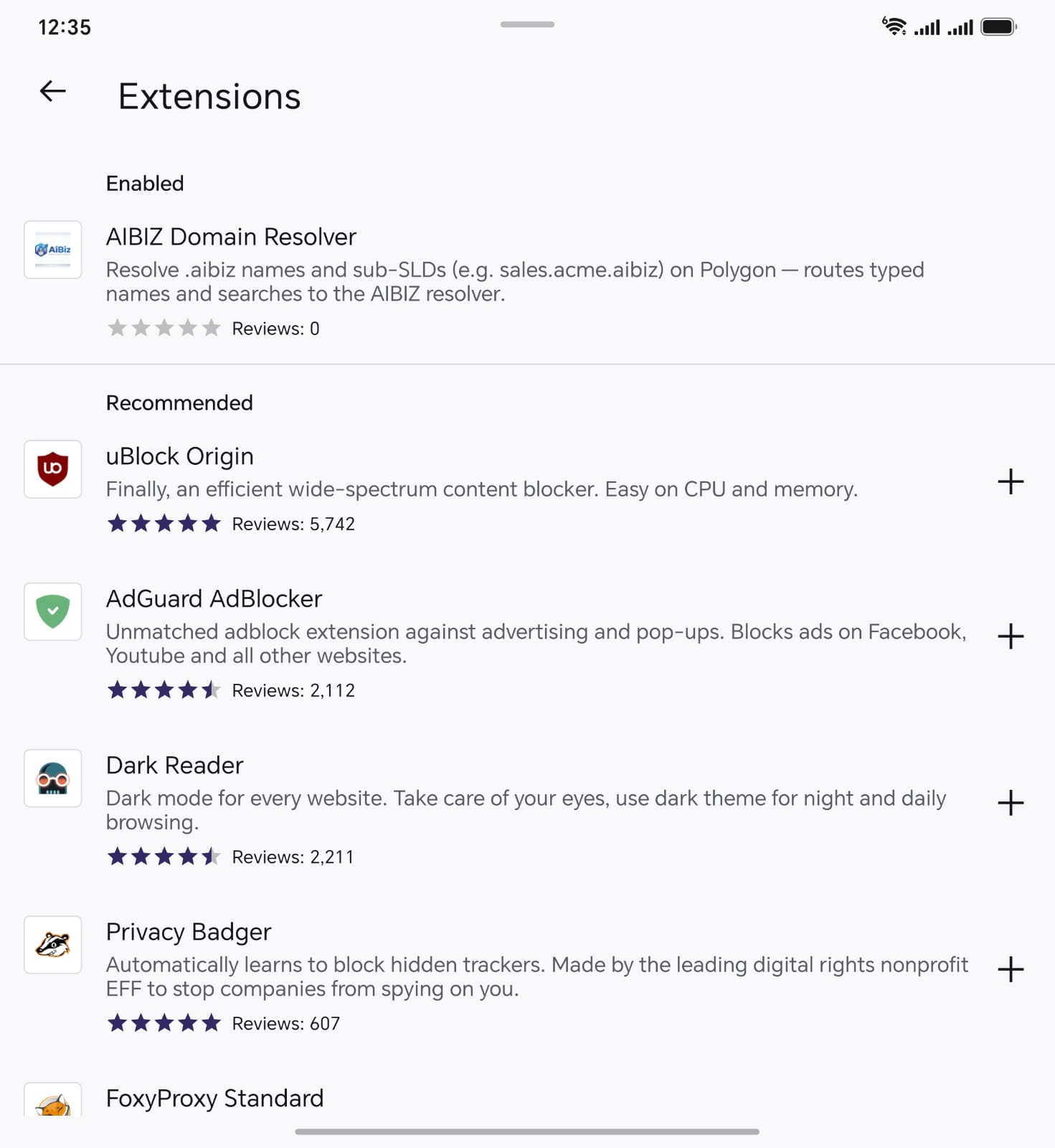
Extensions list with AIBIZ Domain Resolver enabled
5

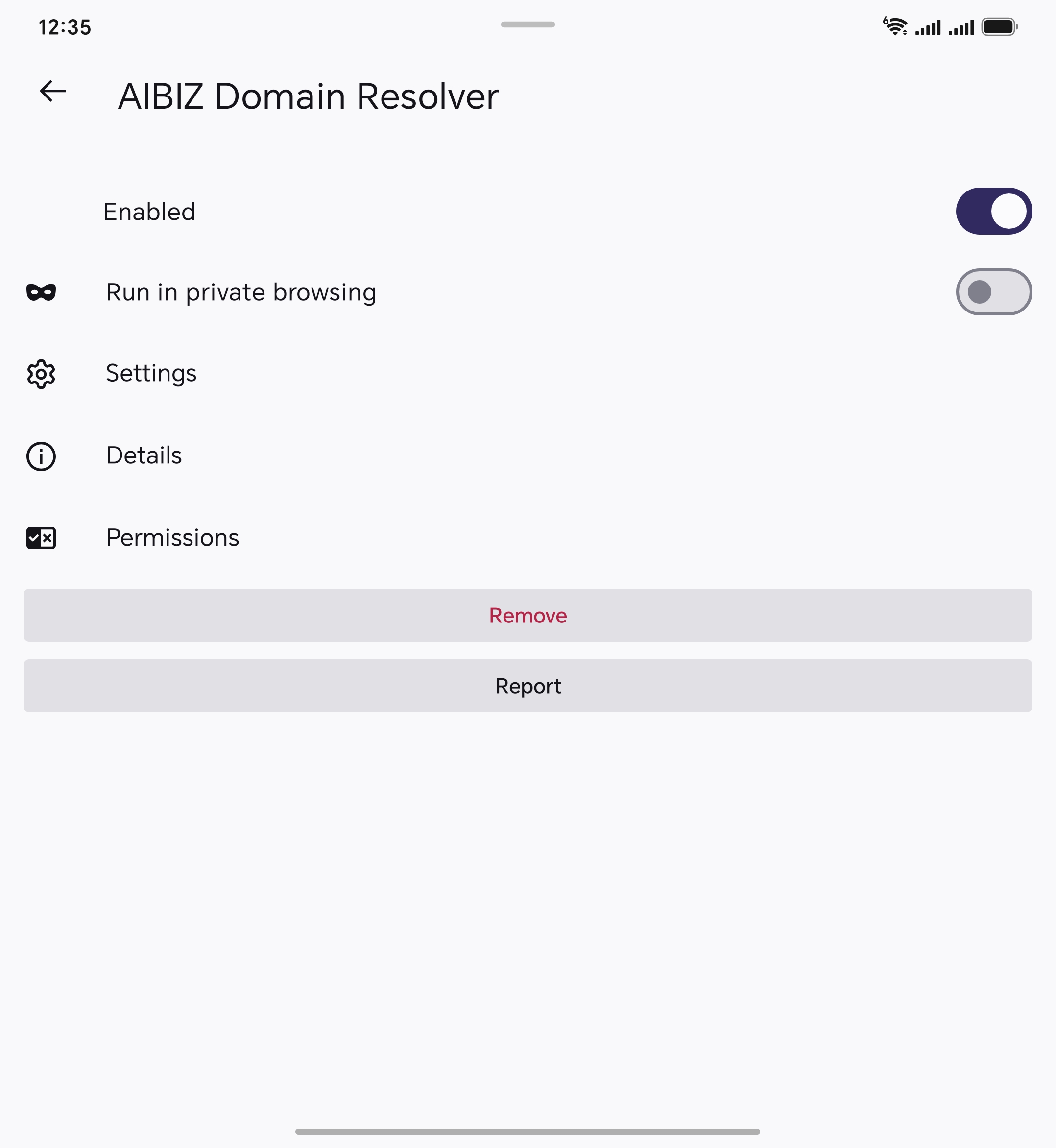
Confirm it's enabled.

Open the extension and make sure the Enabled toggle is on. Optionally turn on “Run in private browsing” so it also works in private tabs.
Extension detail page with Enabled toggle
6

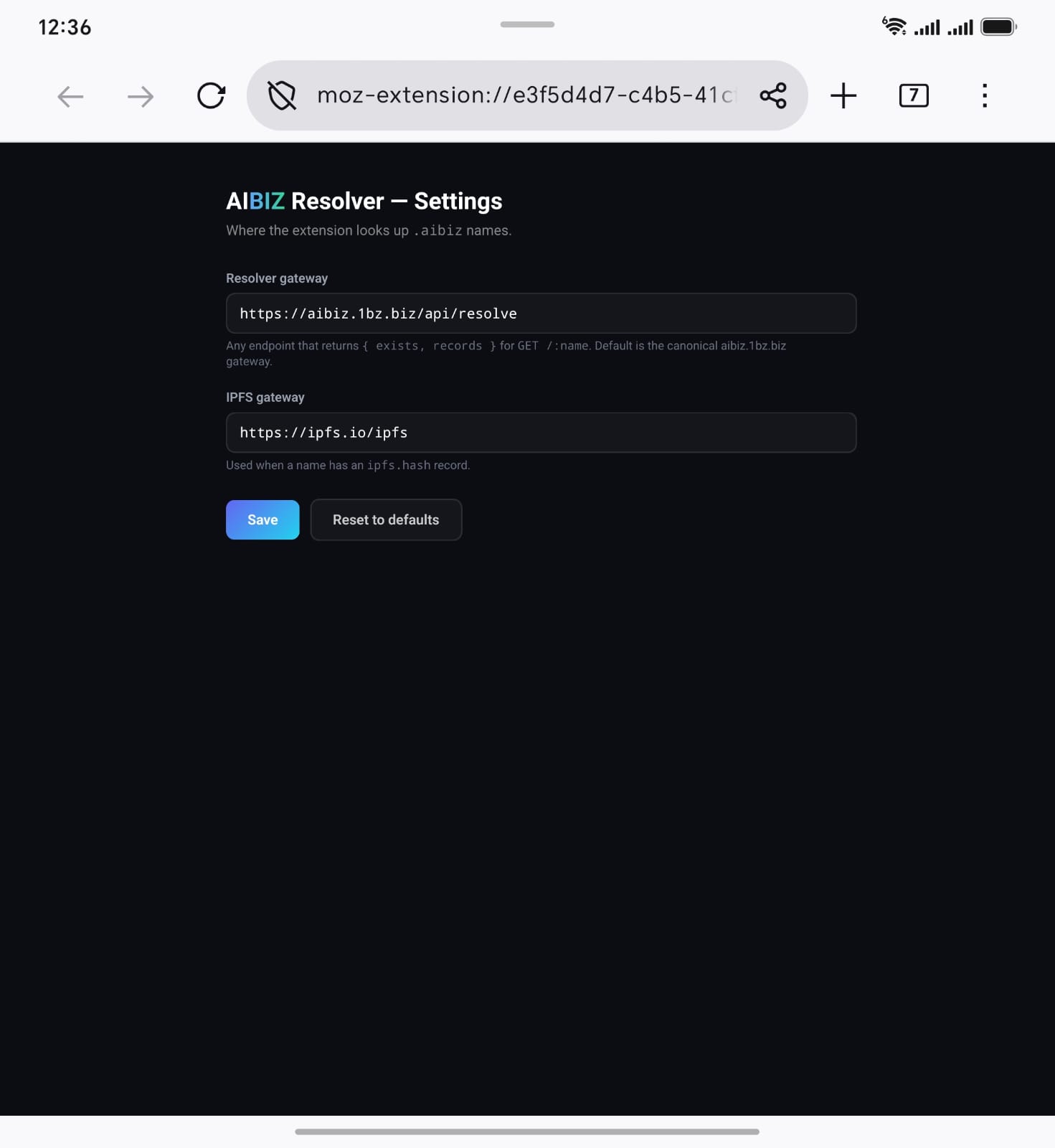
(Optional) Check Settings.

The Resolver gateway is https://aibiz.1bz.biz/api/resolve and the IPFS gateway is https://ipfs.io/ipfs. The defaults work for everyone — only change them if you self-host your own resolver.
AIBIZ Resolver Settings page
7

Done — just type a .aibiz name.

Enter any name in the address bar — e.g. dubai.aibiz or yourcompany.dubai.aibiz — and Firefox routes it through the resolver straight to the live page. That's it.

dubai.aibiz resolved and loaded in Firefox

Ready in under a minute

Install the resolver and your phone speaks .aibiz.

FAQ

Why not Chrome?

Chrome for Android does not support extensions — there is no way to install add-ons. Firefox for Android is the only major mobile browser that loads them, which is why the resolver runs there.

Is it safe?

Yes. The AIBIZ Domain Resolver is open-source and only routes .aibiz name lookups — it does not read or touch any other browsing. It is reviewed and published on addons.mozilla.org.

What can I open?

Any .aibiz name and its sub-SLDs. Try dubai.aibiz or sales.acme.aibiz — the resolver routes each one to its live destination.